
Image to Text Converter | Free Live Demo
Instantly extract editable text from images with our free online OCR demo powered by Tesseract.js. Upload photos and convert them to text in seconds.


Suggested:
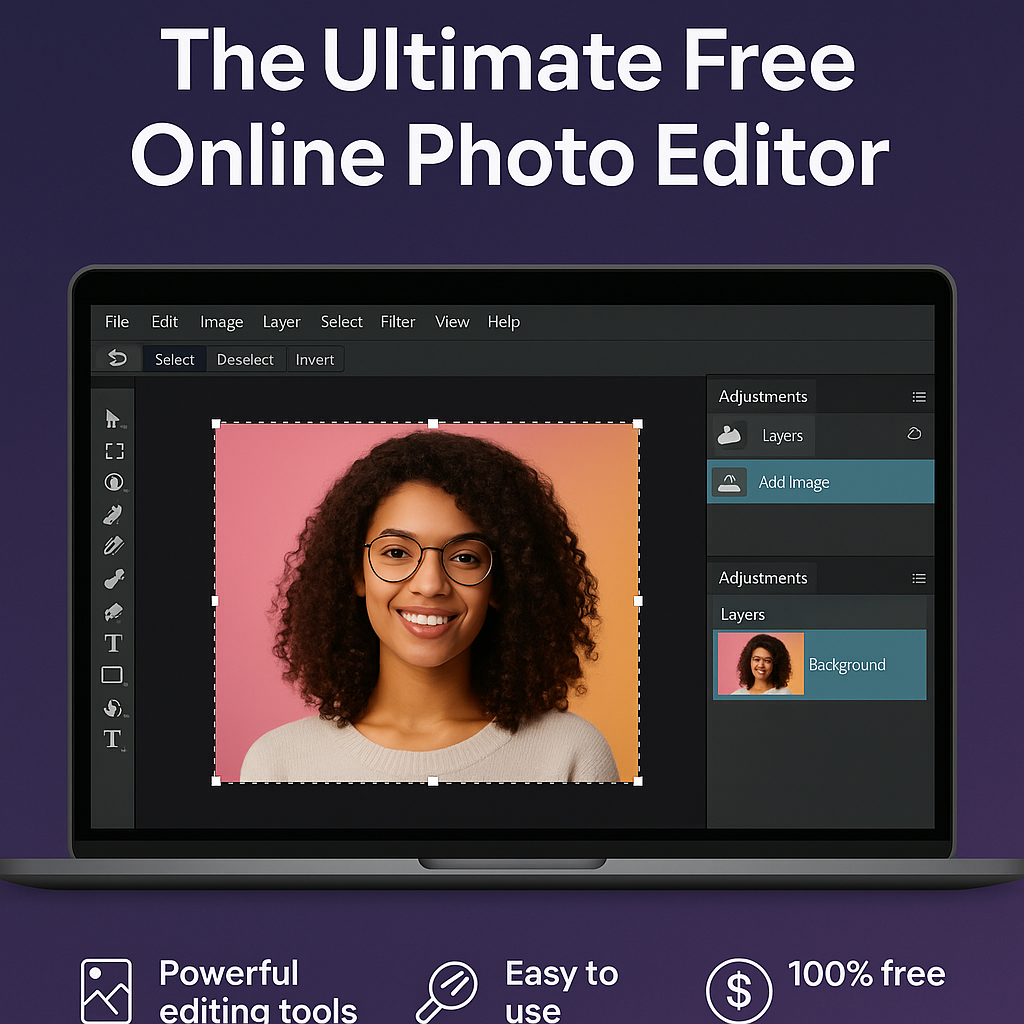
Discover the best free online photo editor with powerful tools, an intuitive interface, and no downloads required. Edit your photos easily and professionally—100% free!
Whether you're a professional photographer, a social media enthusiast, or someone who just loves capturing everyday moments, the need for quality photo editing tools is universal. But what if you could access powerful editing features without spending a single dollar? Welcome to The Ultimate Free Online Photo Editor—your all-in-one solution to transform ordinary photos into stunning visuals.
Gone are the days when high-quality photo editing required expensive software and steep learning curves. Today, with advanced browser-based tools, photo editing is easier, faster, and more accessible than ever before. Here's why this free online photo editor stands out:
All you need is a browser. Just upload your photo, and you're ready to edit. No bulky software, no slow loading times—just pure efficiency.
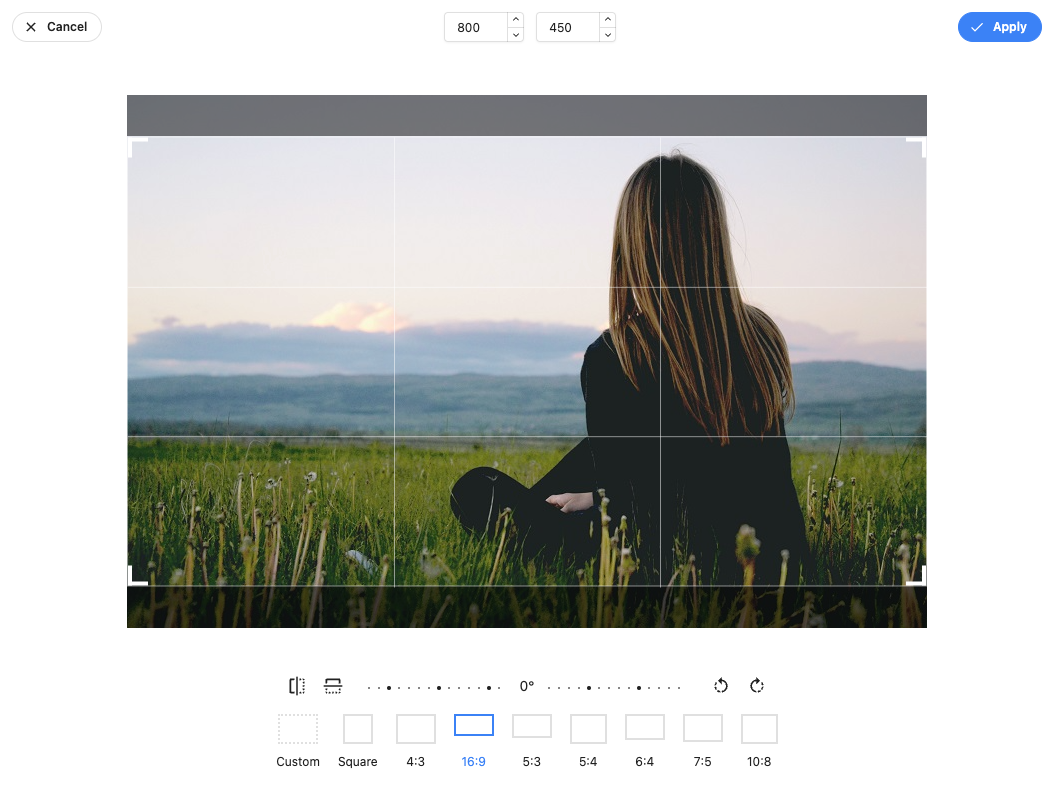
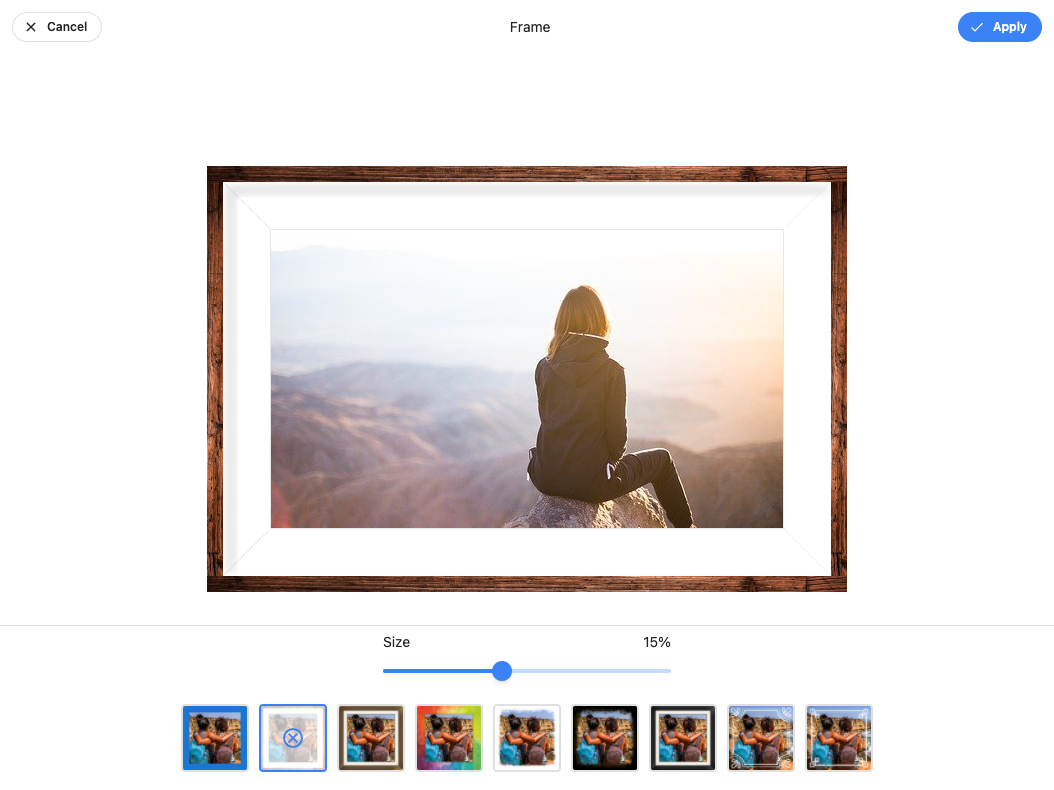
From basic adjustments like crop, rotate, and resize to advanced features like filters, color correction, and blemish removal, this editor is packed with everything you need:
Whether you're a beginner or a seasoned editor, you'll love the intuitive design. Tools are clearly labeled, editing is non-destructive, and real-time previews make experimentation fun and risk-free.
No hidden fees, no surprise paywalls. The platform offers unlimited access to professional-grade tools at zero cost.
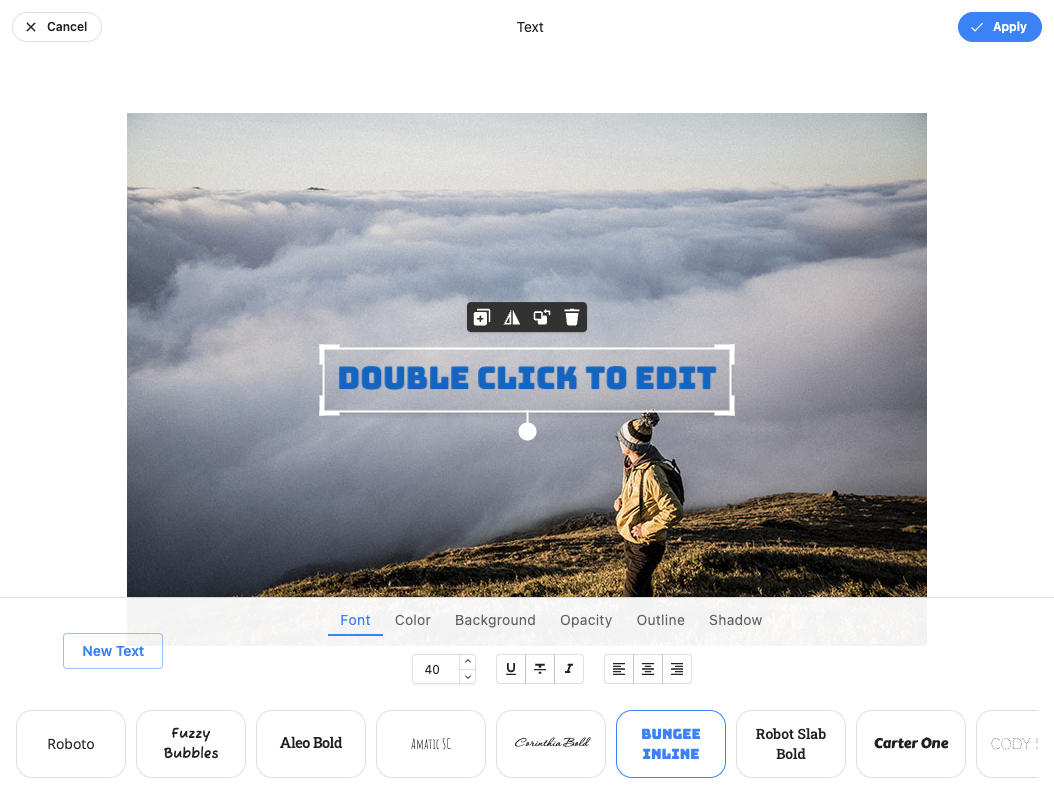
The Ultimate Free Online Photo Editor isn’t just a tool—it’s a creative companion. Whether you're touching up a selfie or designing a digital flyer, this editor gives you the freedom and power to create—without limitations.
Ready to give it a try?
Instantly extract editable text from images with our free online OCR demo powered by Tesseract.js. Upload photos and convert them to text in seconds.
Learn how to create a powerful, interactive code playground using HTML, CSS, and JavaScript. Includes real-time preview, console logging, and local storage.
Features include drag & drop upload, adjustable quality, resizing, multiple formats (JPEG, PNG, WEBP), real-time preview, and batch image compression with client-side processing.







