
Free PHP Client Management System | Source Code & Live Demo
A simple Client Management System built with PHP & MySQL. Manage clients, invoices, services, users, and settings. Includes full source code and live demo.


Suggested:

Download free project for Human Resource Management System in PHP CodeIgniter with live demo. Manage employees, attendance, payroll, leave, and HR operation.
Table of contents [Show]
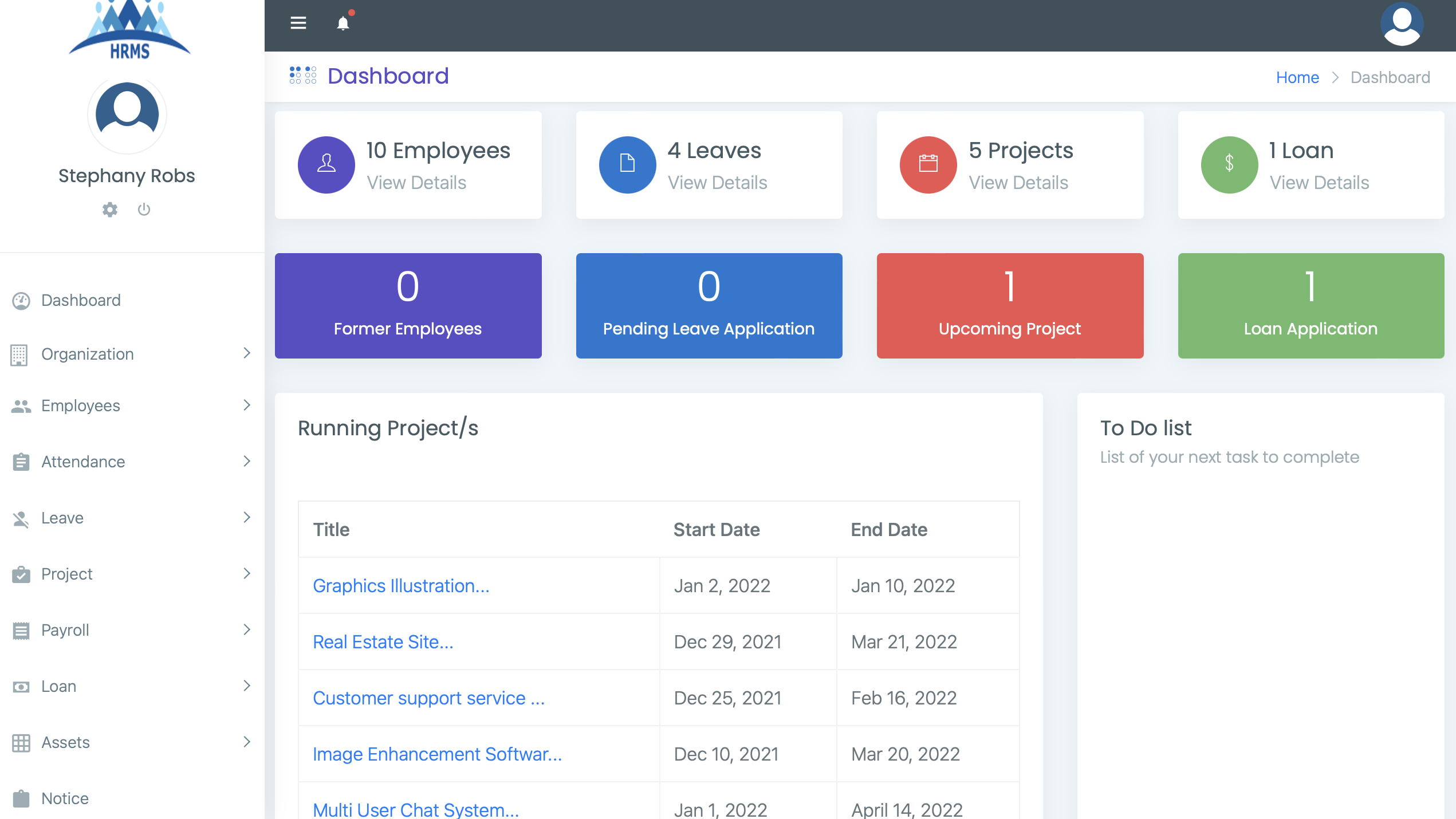
An administrator has complete authority over the system. They can oversee users, departments, job titles, payroll, and more. Each section includes specific details, such as names and other essential information that must be provided. Initially, the admin needs to establish various departments and job titles before assigning staff members to them.
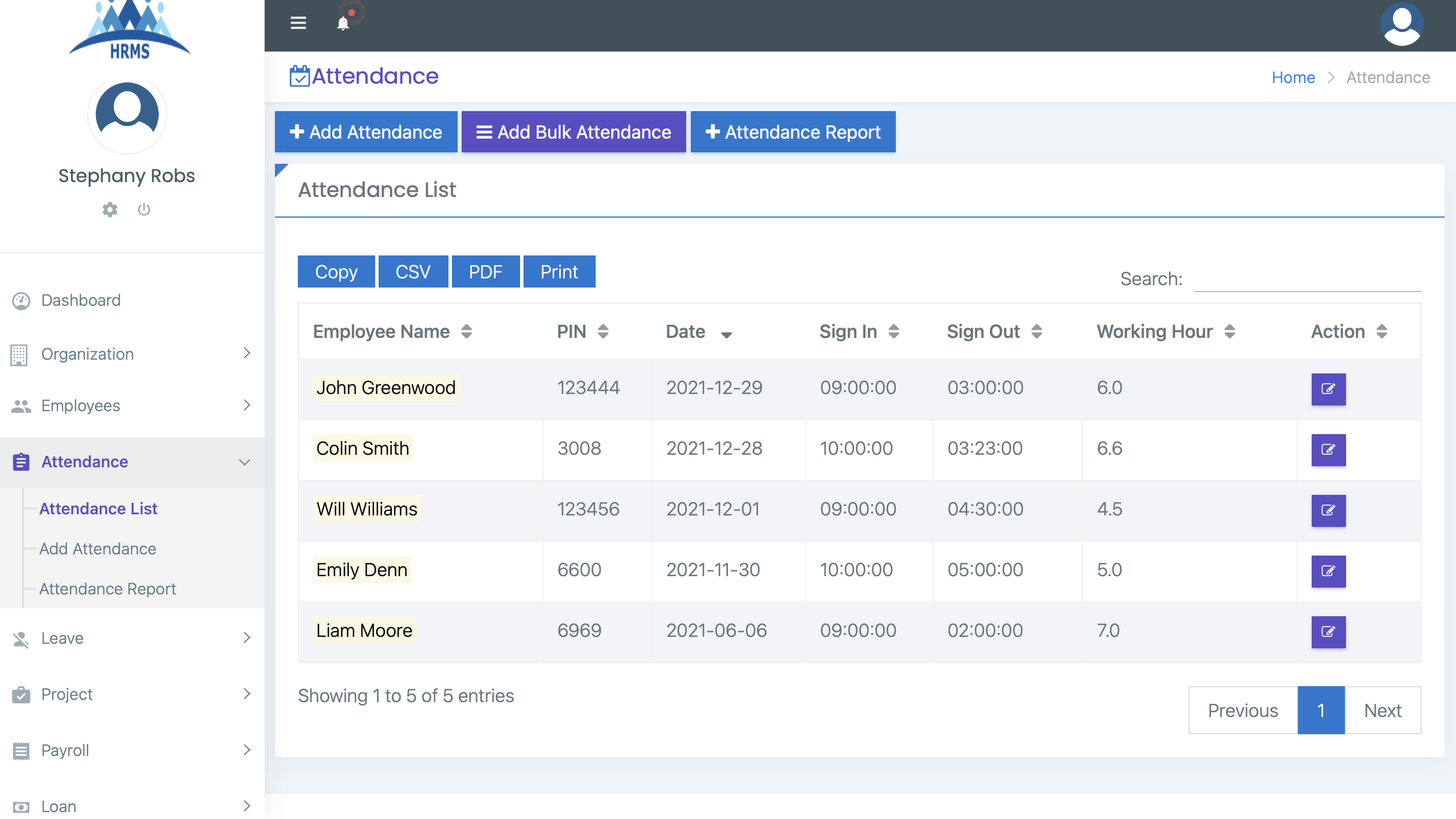
To ensure accurate tracking of staff attendance, the administrator can easily record attendance in bulk or individually. Specifically, the user must choose from the available employees and set their check-in and check-out times along with their work locations.
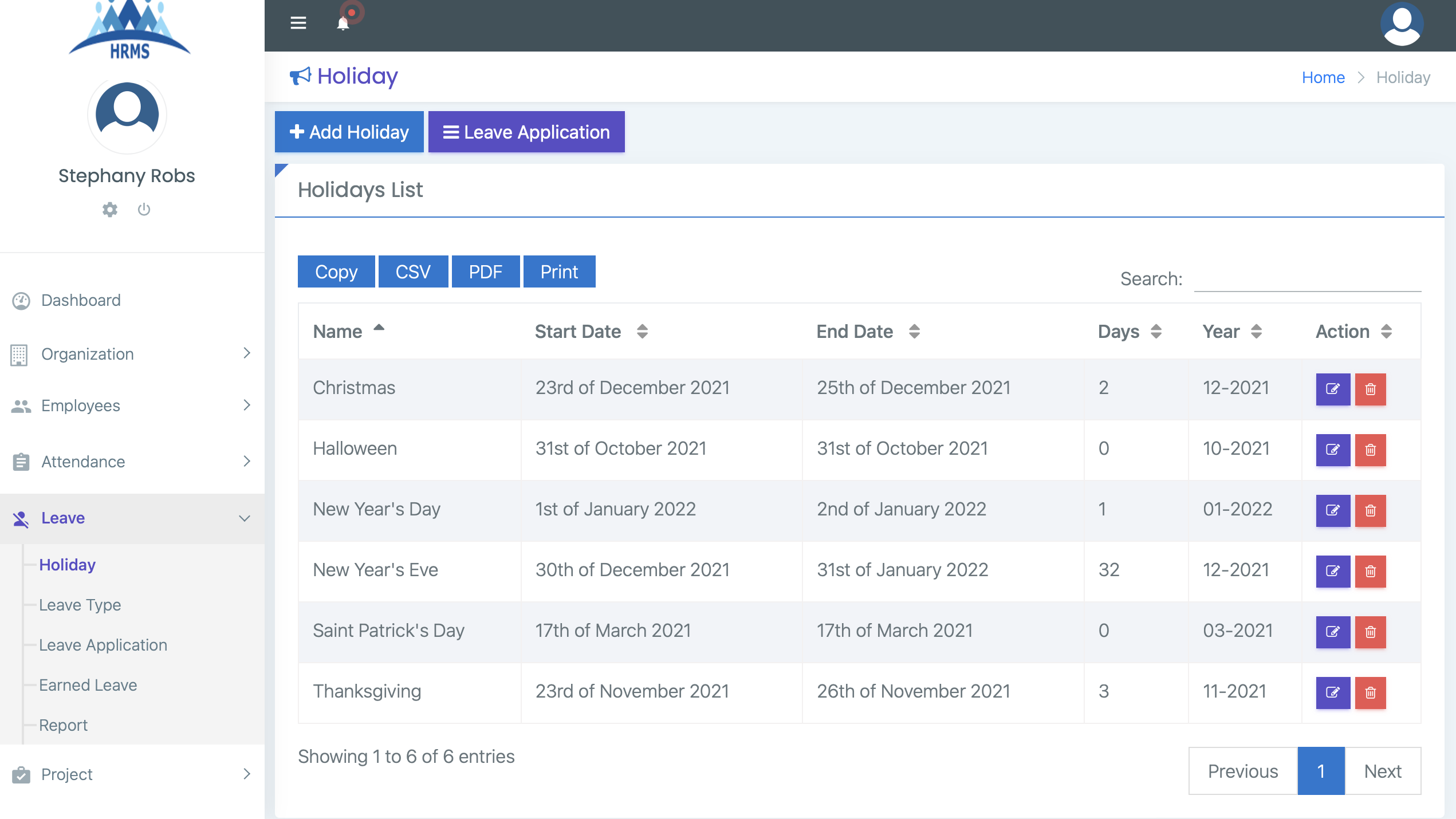
The employee leave management system is a vital component of the human resources framework. As previously noted, employees can submit their leave requests directly from their accounts.
The Project and Task Management System allows administrators to create a list of projects categorized as upcoming, ongoing, or completed. The admin needs to input essential information about each project, including its name, summary, description, and start and end dates.
This section is crucial for the system. First and foremost, it's essential for every employee to have their salary information entered to ensure the payroll process runs smoothly. Once an employee's salary details are provided, they become eligible for payroll.
The employee loan management section is designed to keep track of the loan statuses of employees. This means that the company can offer loans to employees under specific conditions.
Ultimately, the system needs a proper record to calculate assets as well. Before proceeding, users must first organize their asset categories. This part requires details about category types and brand names.
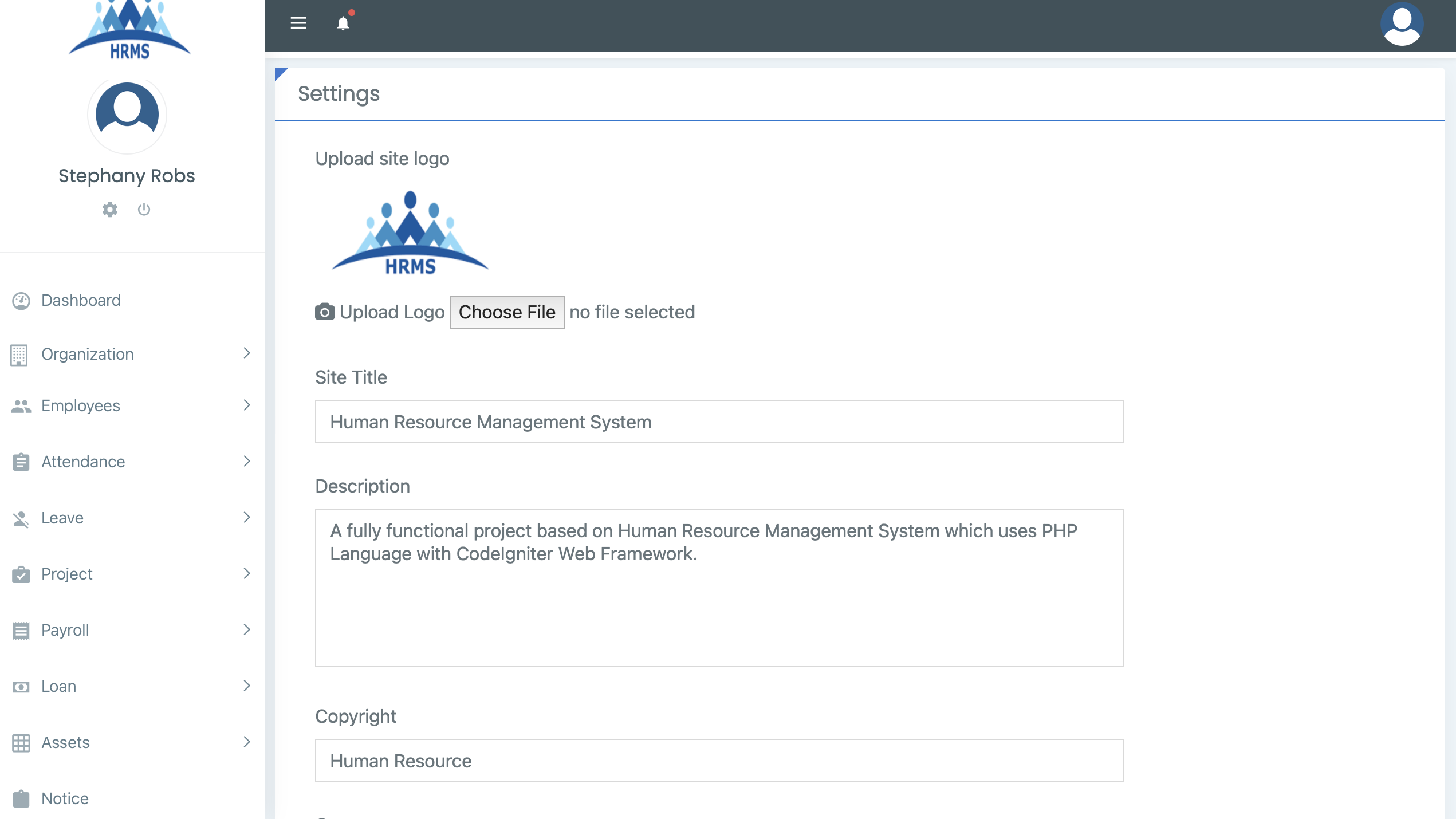
The system administrator has the ability to make announcements that serve as notices for all employees. To do this, the admin needs to input the notice title and upload an attachment along with an effective date. The notice board is conveniently displayed on each account’s dashboard as a secondary feature. In terms of system settings, users can modify the application’s logo, title, description, address, and more.
Ready to explore or customize the system yourself? We’re offering the complete source code of the Human Resource Management system for free download.
Included:
💡 Note: This system is ideal for educational purposes only.
🔗 Live Demo: Click here
🔐 Admin Login: super@admin.com / Password@123
Note: Demo may have limited access for security.
A simple Client Management System built with PHP & MySQL. Manage clients, invoices, services, users, and settings. Includes full source code and live demo.
A fully SEO-optimized blogging website built with PHP and MySQL, featuring SEO-friendly URLs, efficient database design, and responsive performance.
Explore a fully functional Boat Booking System in PHP. Download source code, try the live demo, and learn CRUD operations, PHP, MySQL, and full-stack development.







