
Free PHP Client Management System | Source Code & Live Demo
A simple Client Management System built with PHP & MySQL. Manage clients, invoices, services, users, and settings. Includes full source code and live demo.


Suggested:
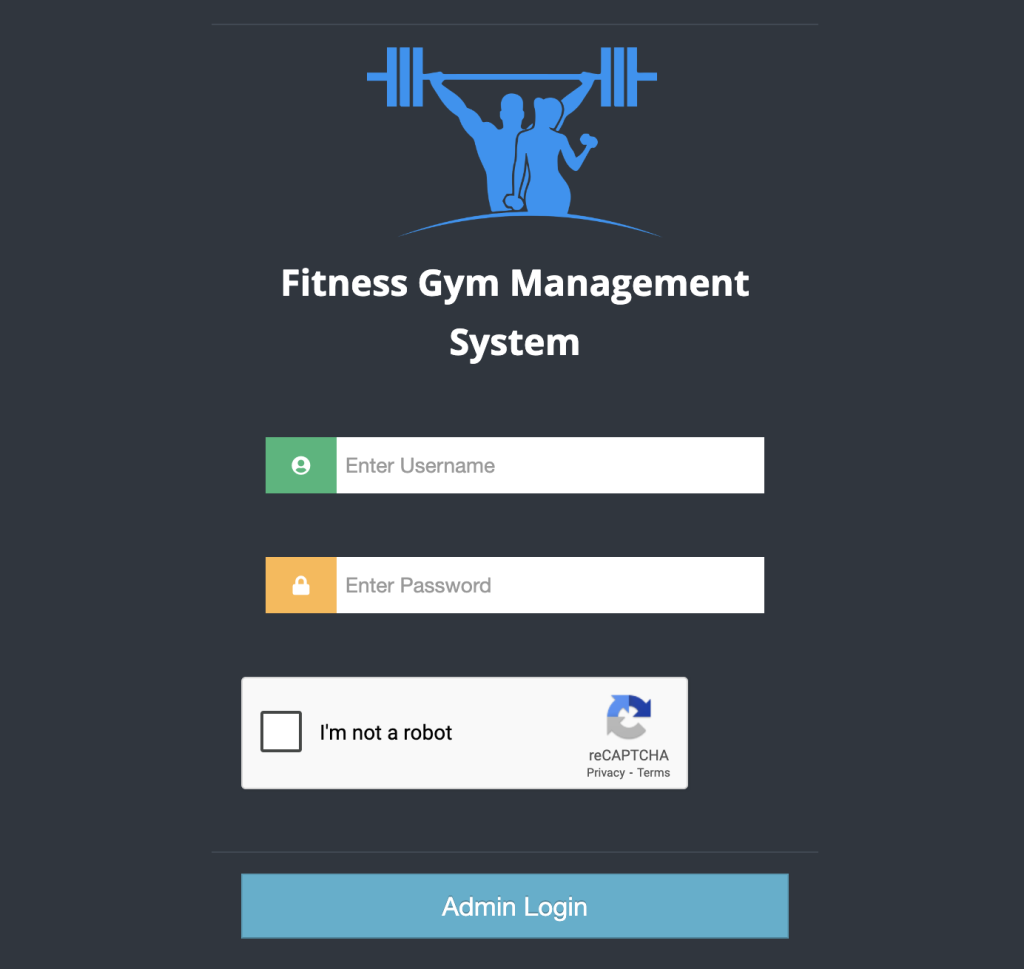
Gym Management System Project, a complete web-based solution built using PHP and MySQL to simplify gym operations and enhance member experiences.
In this blog, we introduce a powerful Gym Management System built using PHP and MySQL, packed with essential features for Admins, Staff, and members. The system comes with full source code, a live demo, and structured modules for seamless gym operations.
The Gym Management System is designed with three main panels to handle different roles within a fitness center.
Table of contents [Show]
The Gym Management System is designed with three main panels to handle different roles within a fitness center.
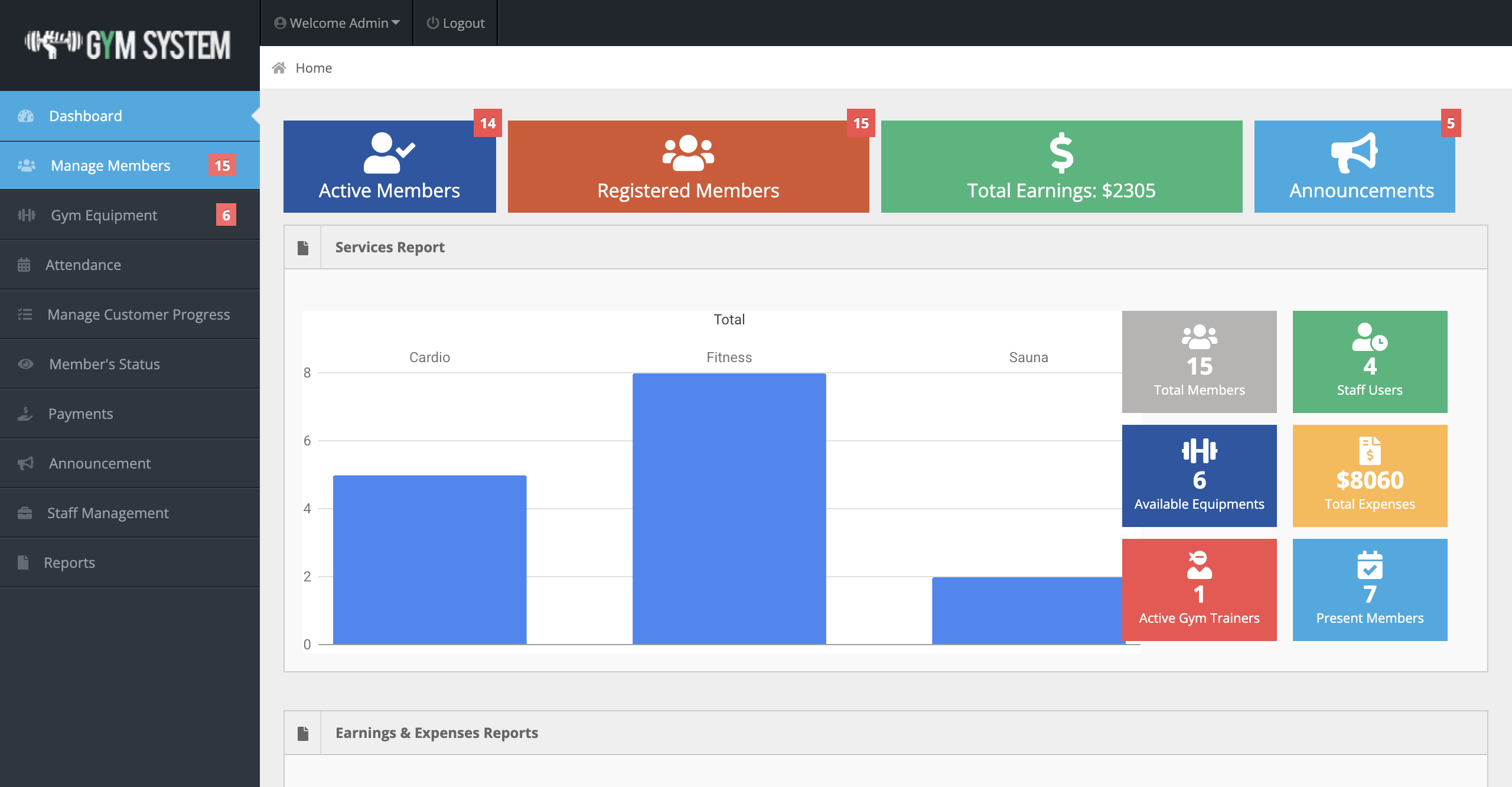
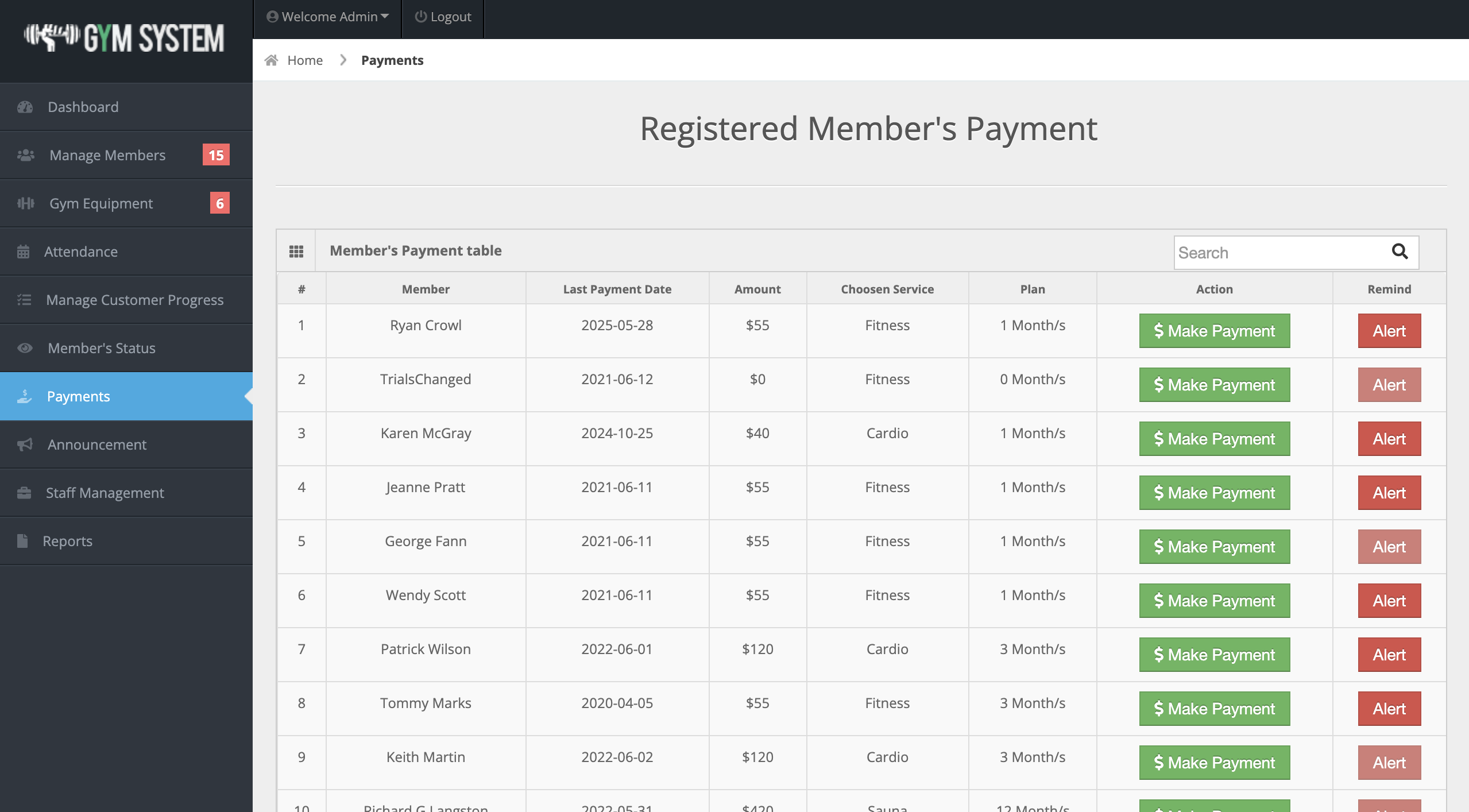
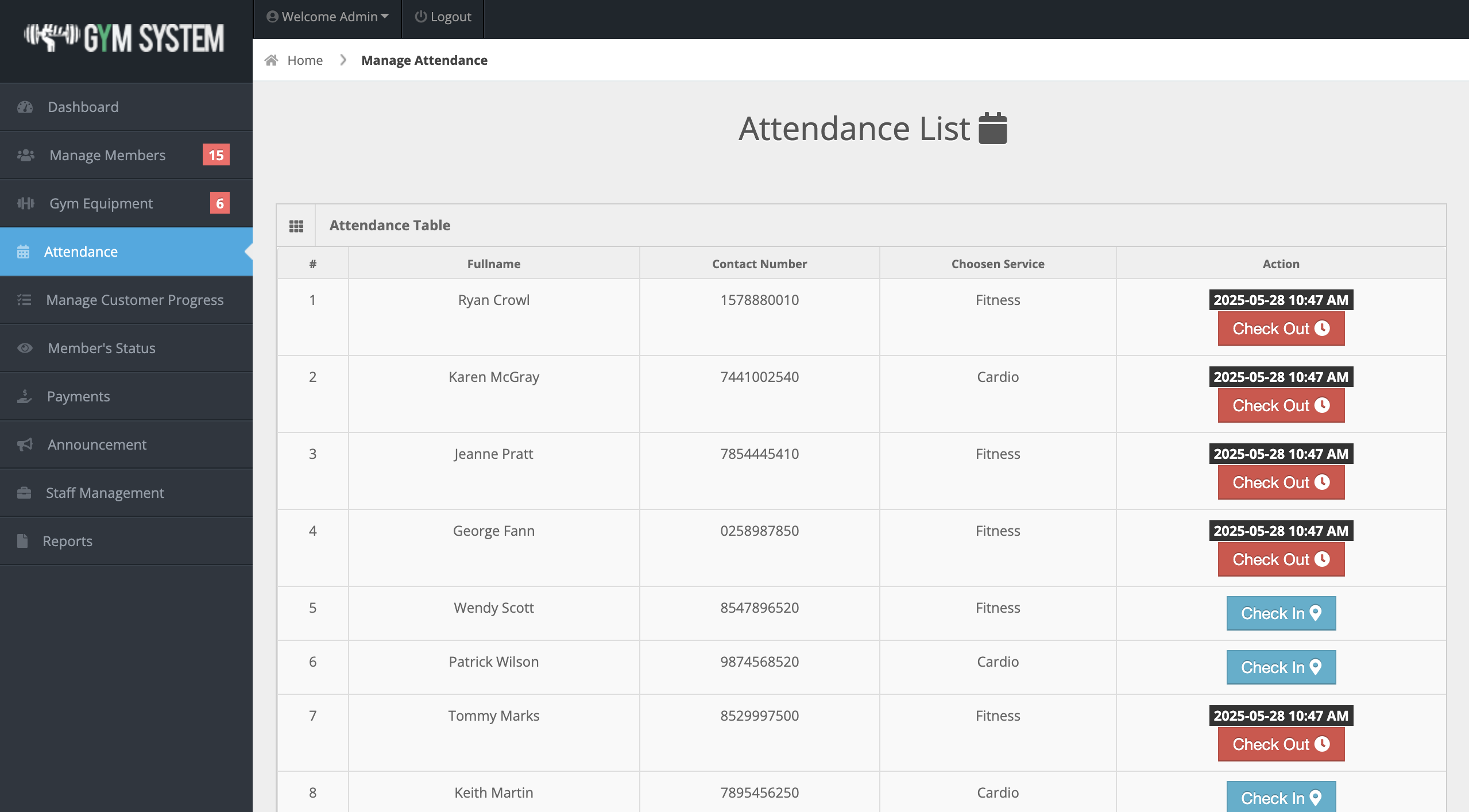
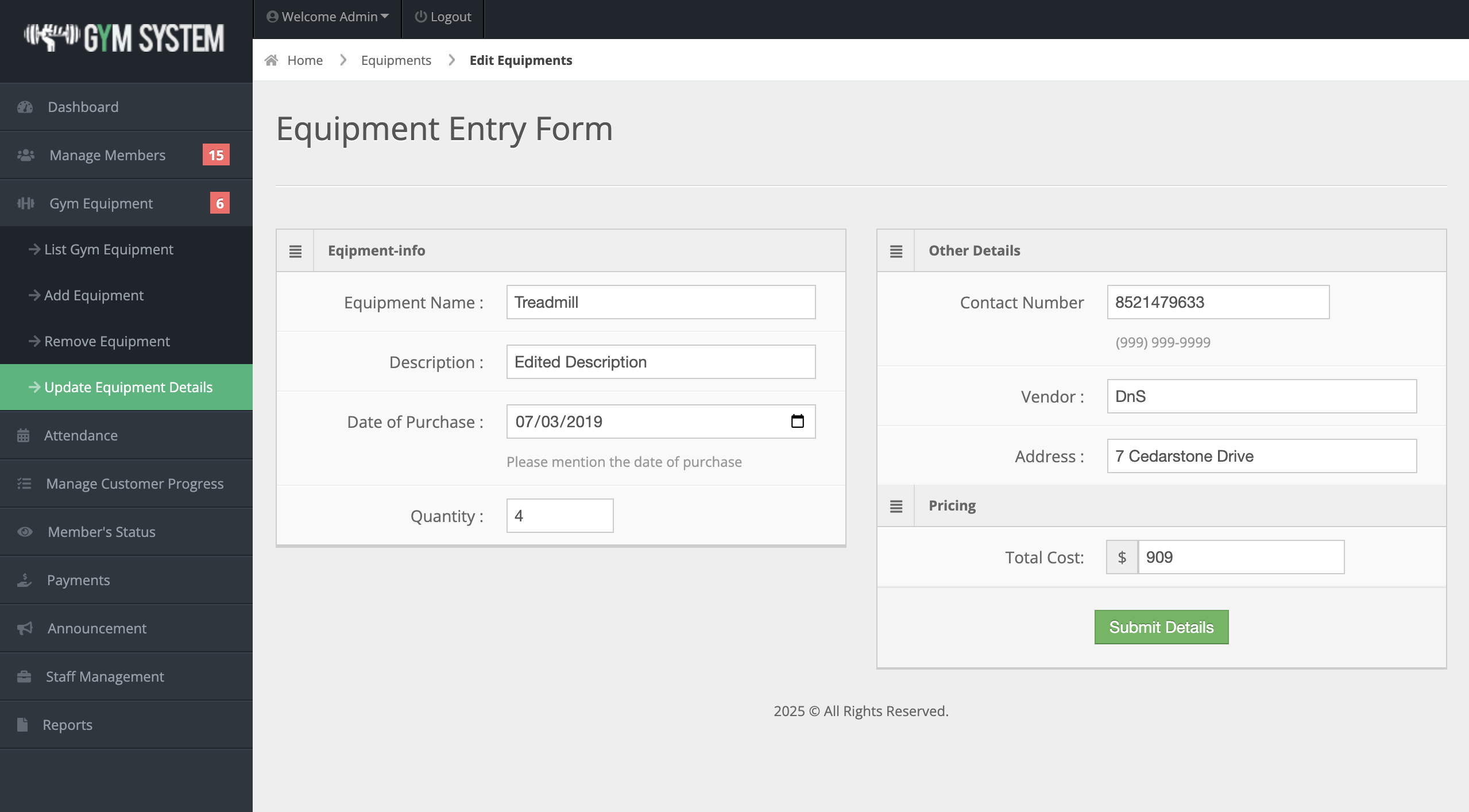
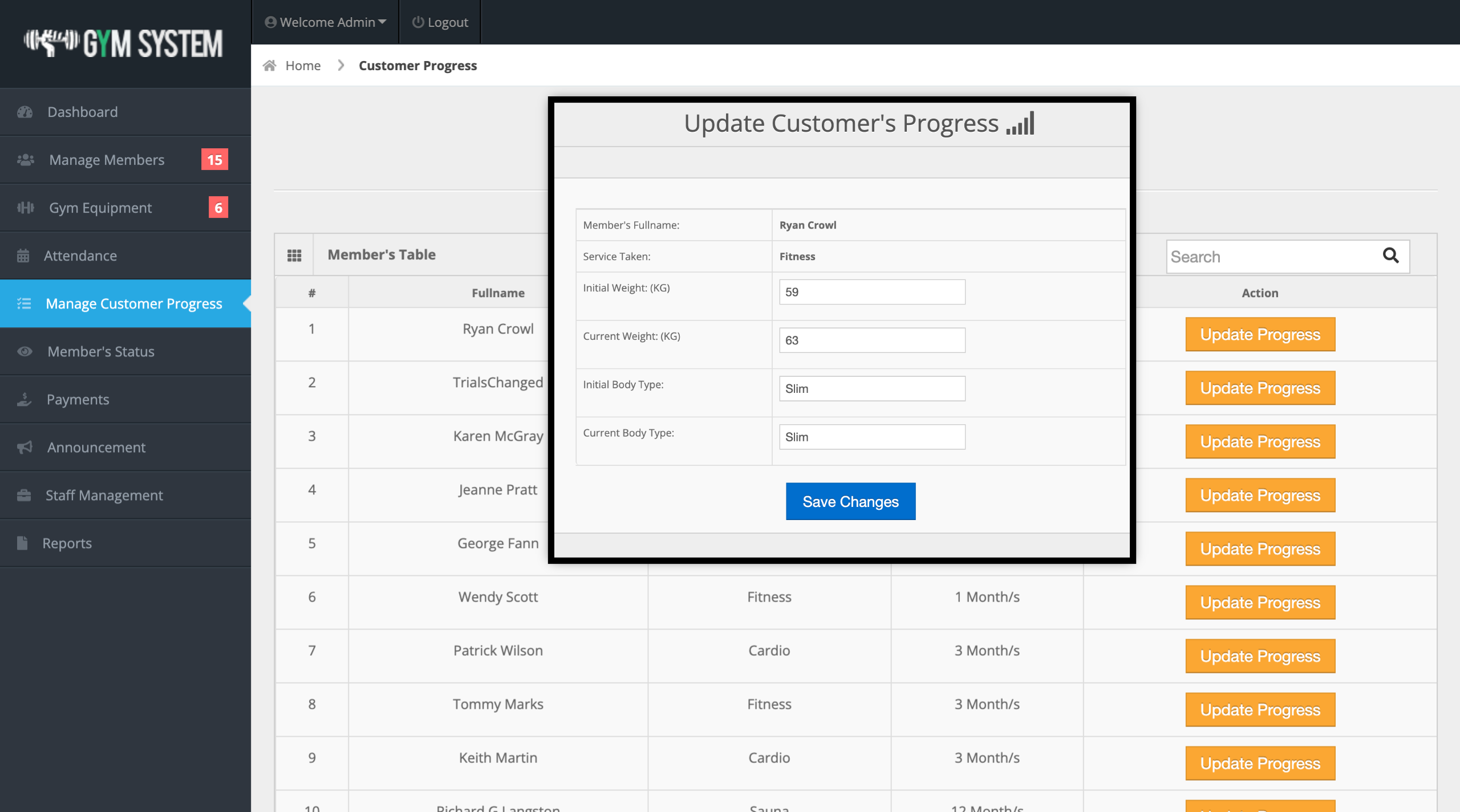
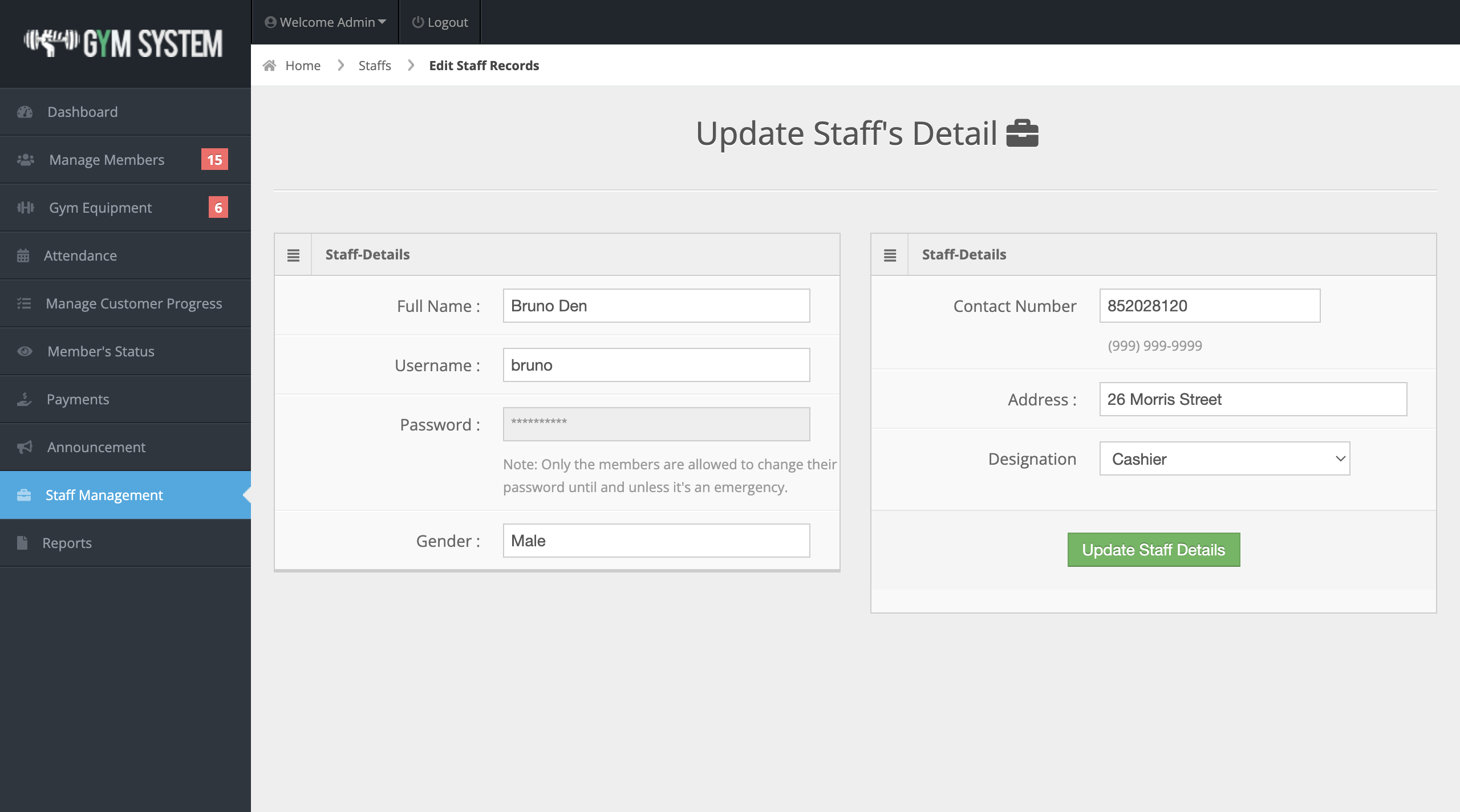
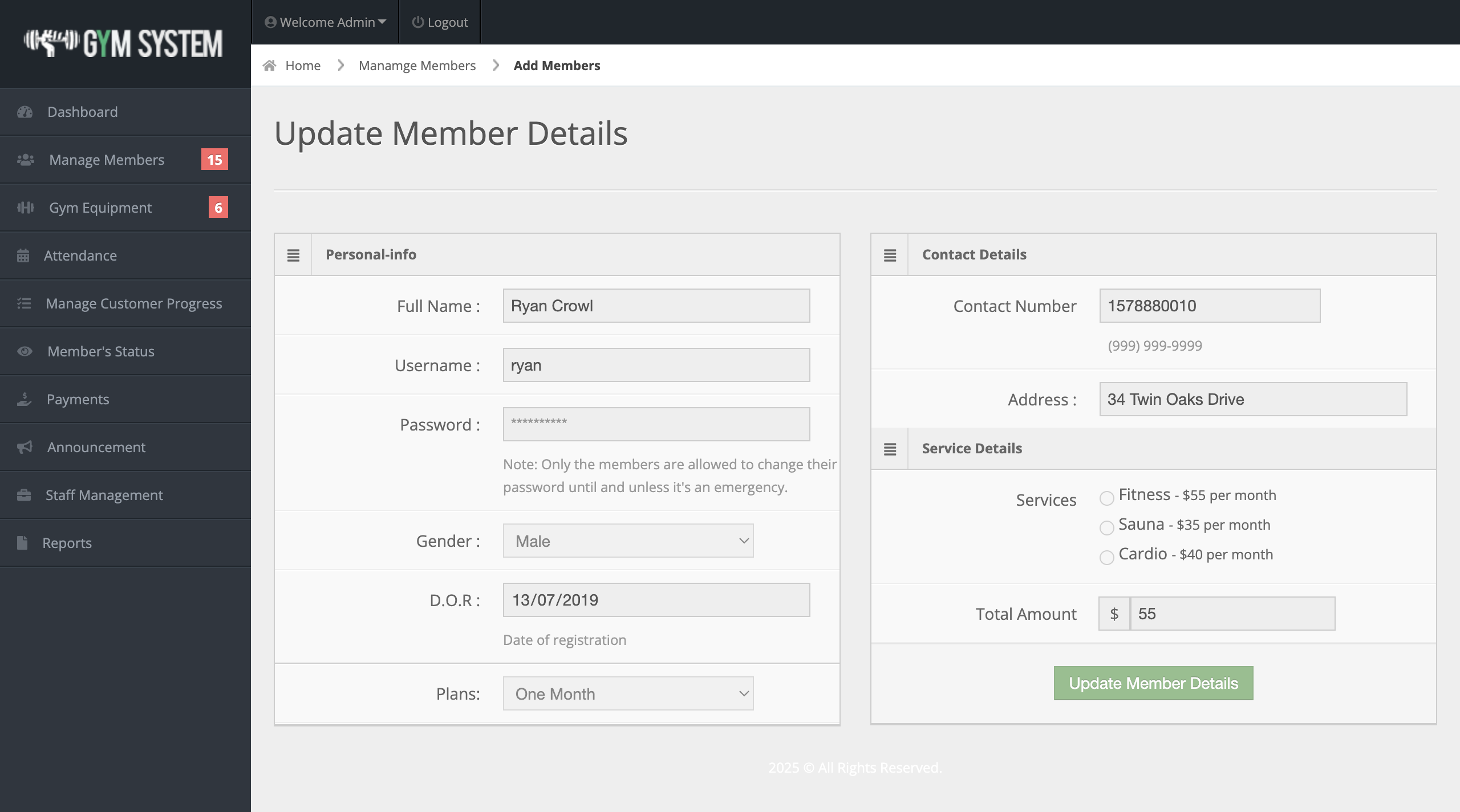
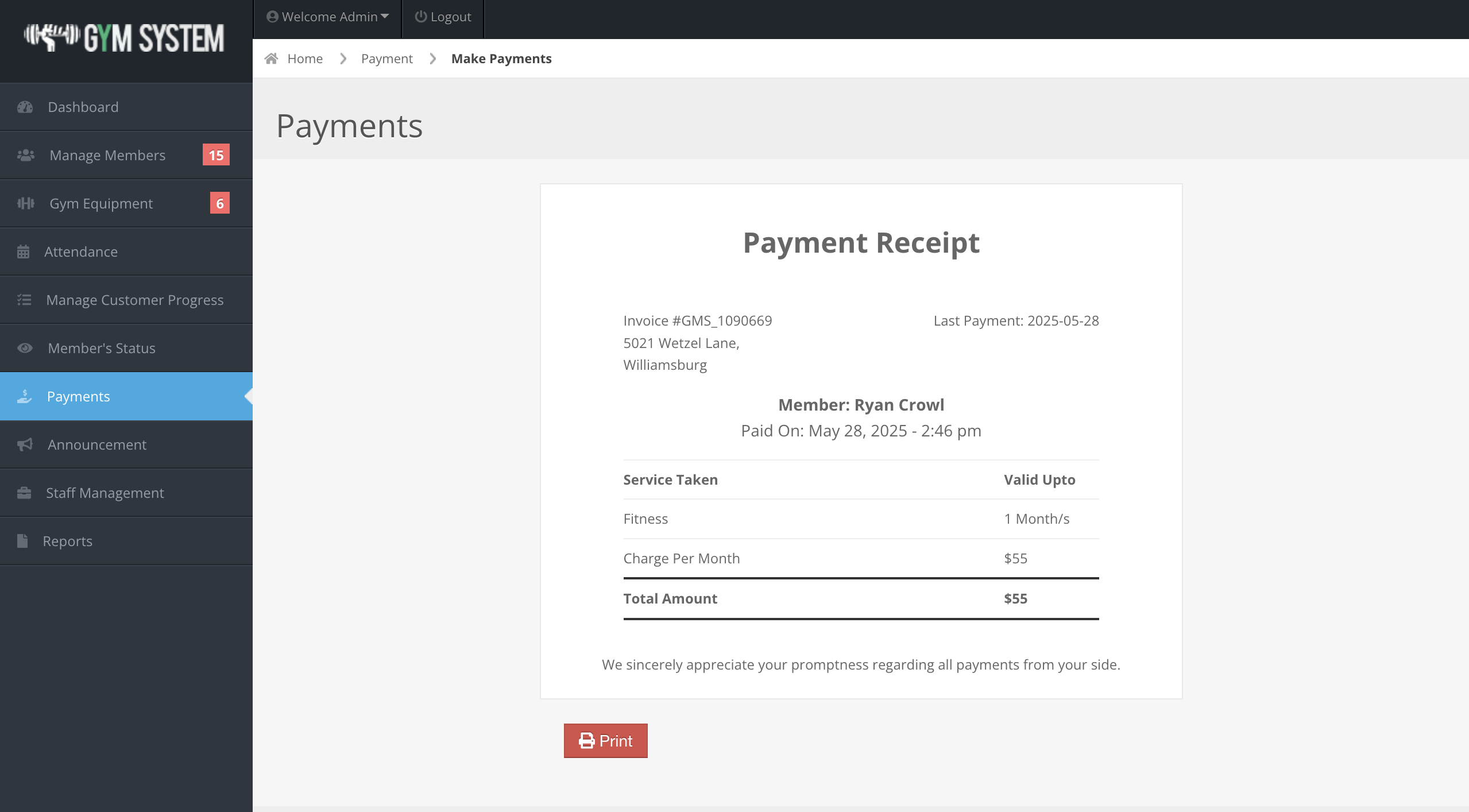
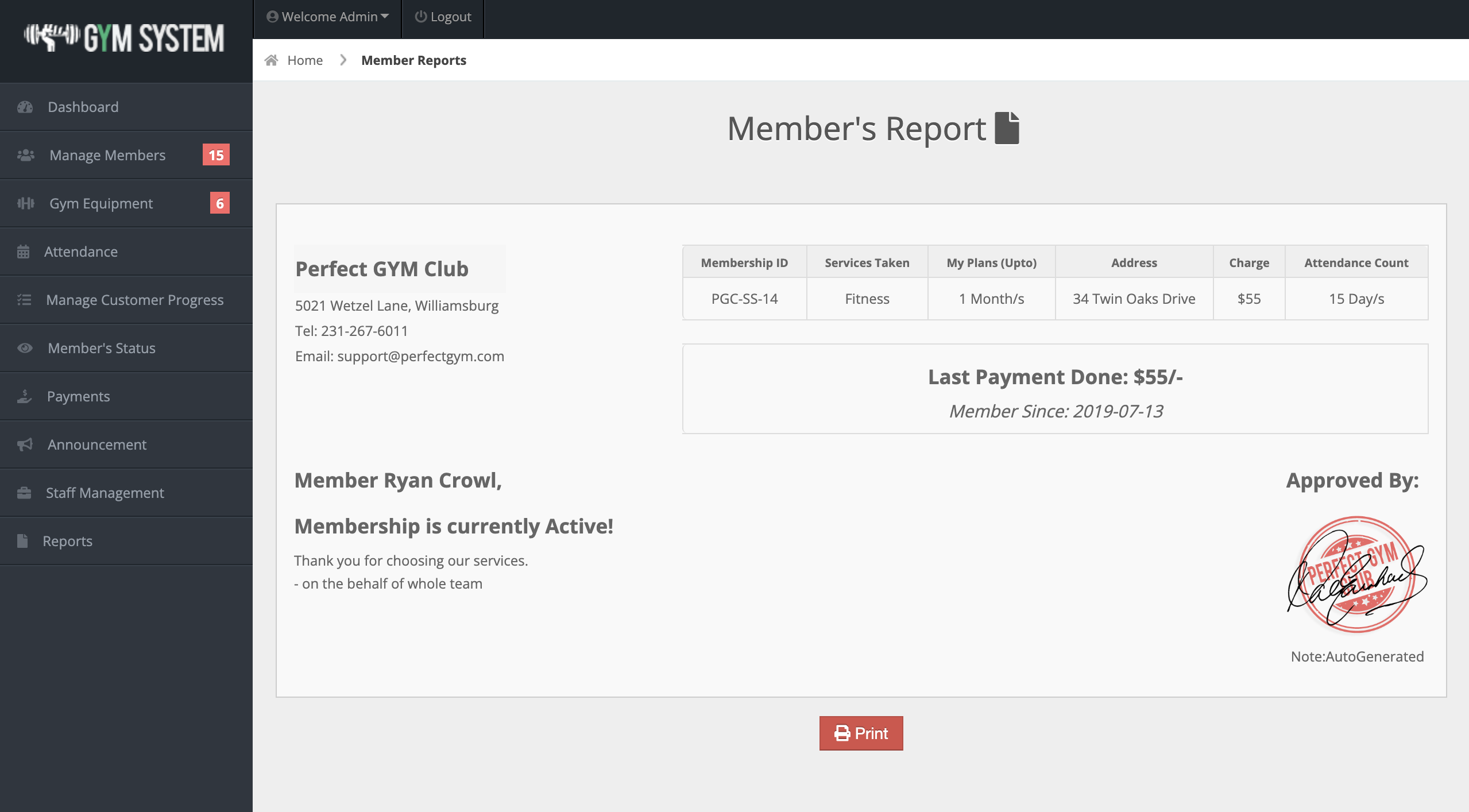
Ready to explore or customize the system yourself? We’re offering the complete source code of the Gym Management System in PHP for free download.
Included:
💡 Note: This system is ideal for educational purposes, project submissions, or for kick-starting a more advanced commercial-grade system.
🔗 Live Demo: Click here
🔐 Admin Login: admin / admin123
👨💼 Staff Login: demostaff / staff123
Replace with your own credentials upon installation.
A simple Client Management System built with PHP & MySQL. Manage clients, invoices, services, users, and settings. Includes full source code and live demo.
A fully SEO-optimized blogging website built with PHP and MySQL, featuring SEO-friendly URLs, efficient database design, and responsive performance.
Explore a fully functional Boat Booking System in PHP. Download source code, try the live demo, and learn CRUD operations, PHP, MySQL, and full-stack development.







