
How to Build a Browser OCR Tool with Tesseract.js
Learn how to build a browser-based OCR app using Tesseract.js. Extract text from images directly in the browser with a simple client-side setup.


Suggested:
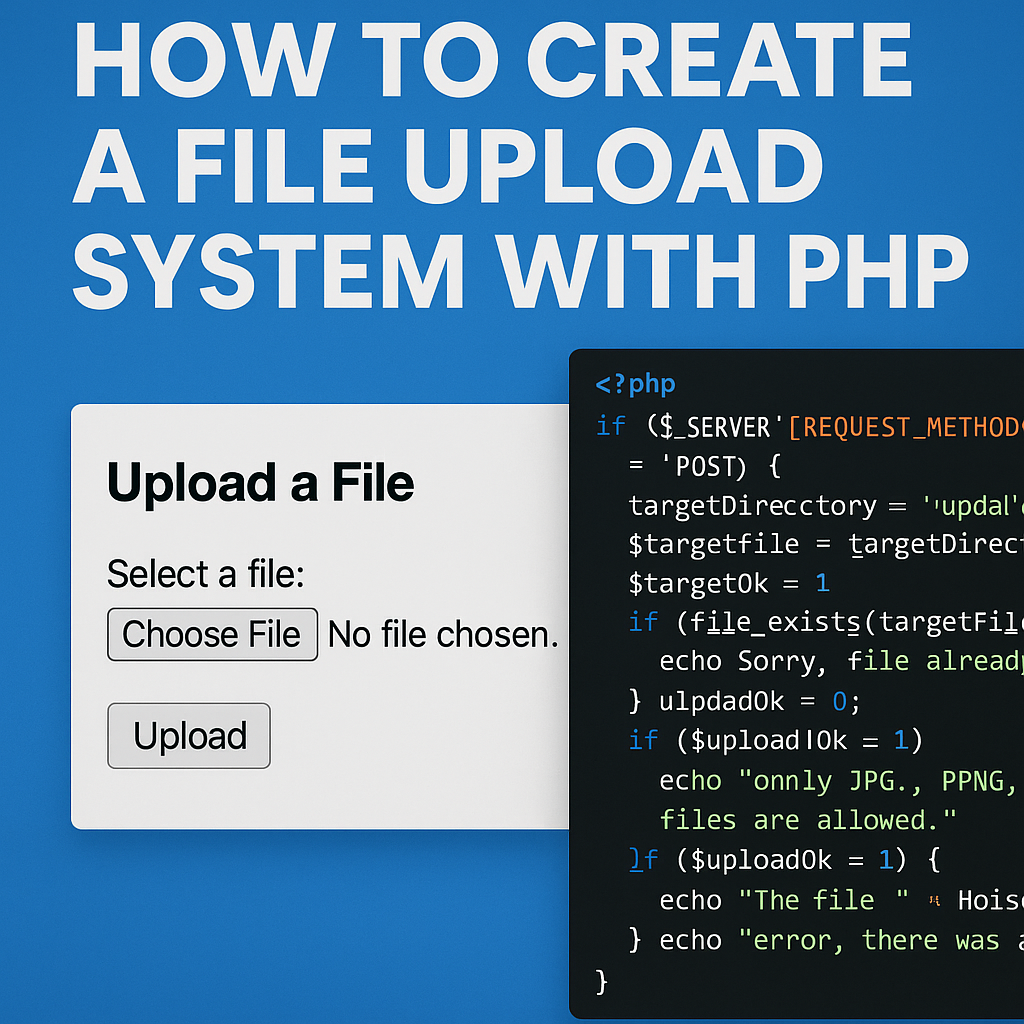
Learn how to create a secure and efficient file upload system using PHP with step-by-step examples and best practices.
Uploading files to a server is a common feature in modern web applications. Whether you're building a contact form, a content management system, or a custom file sharing platform, PHP offers straightforward tools to help you handle file uploads securely and efficiently.
Table of contents [Show]
Start by creating a simple HTML form that allows users to choose and upload a file.
<!DOCTYPE html>
<html>
<head>
  <title>File Upload</title>
</head>
<body>

  <h2>Upload a File</h2>
  <form action="upload.php" method="post" enctype="multipart/form-data">
    <label for="file">Select a file:</label><br>
    <input type="file" name="file" id="file"><br><br>
    <input type="submit" name="submit" value="Upload">
  </form>

</body>
</html>
Now let’s write the PHP script that processes the uploaded file.
<?php
// upload.php

if ($_SERVER['REQUEST_METHOD'] == 'POST') {
    $targetDirectory = "uploads/";
    $targetFile = $targetDirectory . basename($_FILES["file"]["name"]);
    $uploadOk = 1;
    $fileType = strtolower(pathinfo($targetFile, PATHINFO_EXTENSION));

    // Check if file already exists
    if (file_exists($targetFile)) {
        echo "Sorry, file already exists.<br>";
        $uploadOk = 0;
    }

    // Limit file size (e.g., 2MB)
    if ($_FILES["file"]["size"] > 2000000) {
        echo "Sorry, your file is too large.<br>";
        $uploadOk = 0;
    }

    // Allow only specific file types
    $allowedTypes = ["jpg", "png", "pdf", "docx"];
    if (!in_array($fileType, $allowedTypes)) {
        echo "Sorry, only JPG, PNG, PDF & DOCX files are allowed.<br>";
        $uploadOk = 0;
    }

    // Upload file if everything is ok
    if ($uploadOk == 1) {
        if (move_uploaded_file($_FILES["file"]["tmp_name"], $targetFile)) {
            echo "The file " . htmlspecialchars(basename($_FILES["file"]["name"])) . " has been uploaded.";
        } else {
            echo "Sorry, there was an error uploading your file.";
        }
    }
}
?>
Make sure to create a folder named uploads in your project directory and give it the correct permissions so PHP can write to it. On most systems, 755 or 775 permissions will work.
Creating a file upload system with PHP is simple but requires attention to security and validation. With the right checks in place, you can safely allow users to upload files to your server as part of a broader application.
Happy coding!
Learn how to build a browser-based OCR app using Tesseract.js. Extract text from images directly in the browser with a simple client-side setup.
Step-by-step guide to creating a PHP backend that removes image backgrounds using Remove.bg API. Ideal for developers building automated image tools
Learn how to create a real-time PHP chat app using MySQL and JavaScript with user login, typing status, chat history deletion, and a modern, responsive UI.







