Real-Time Domain Availability Checker in PHP (AJAX + WHOIS + DNS)
A modern PHP-based domain search tool with AJAX, DNS checks, and WHOIS fallback. Get instant domain availability results and smart suggestions in a fast, elegant UI.


Suggested:
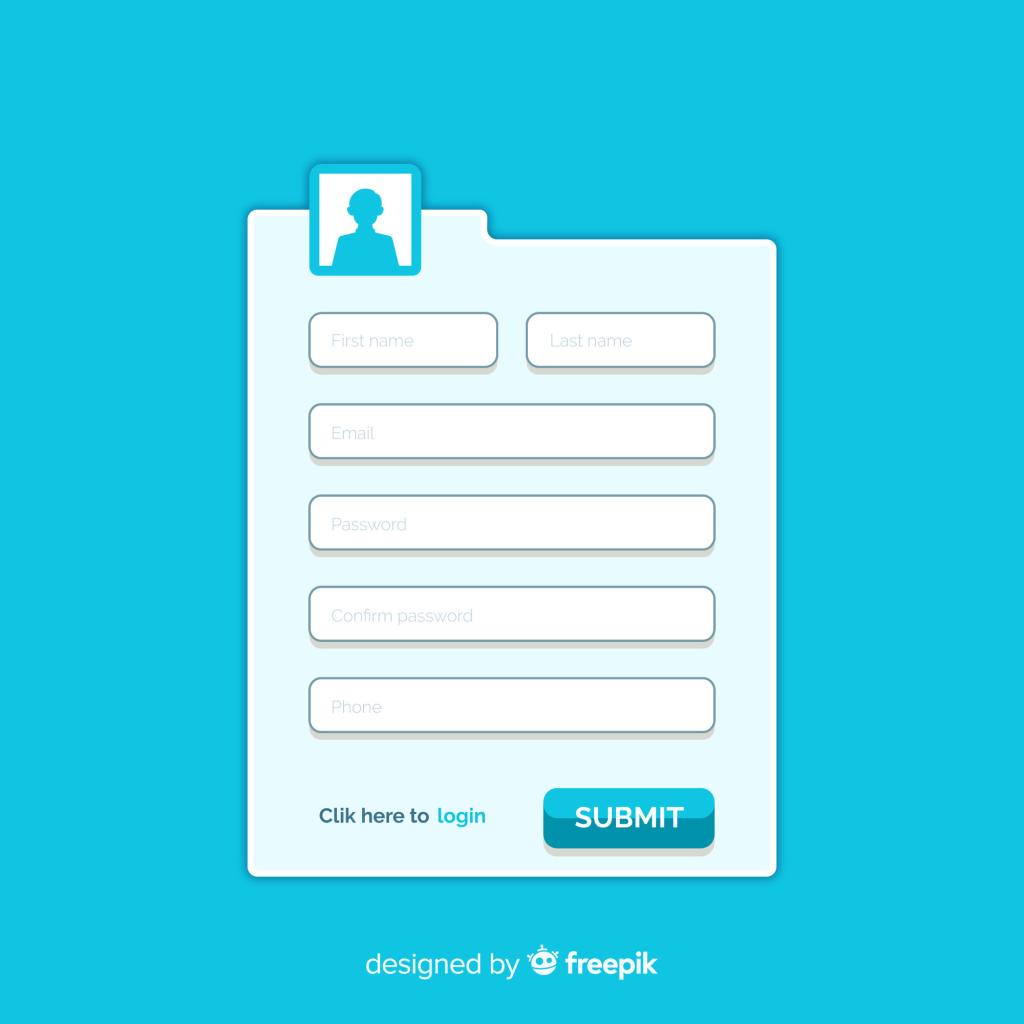
Learn how to build a secure and scalable contact form using PHP and MySQL. This advanced guide covers form validation, prepared statements, error handling, and best practices for protecting your data.
Building a contact form is often one of the first tasks developers face when starting with PHP and MySQL. While the concept is simple, implementing it securely and efficiently requires attention to detail. In this post, we’ll walk through building a basic contact form with backend PHP processing and MySQL storage, while also integrating data validation, prepared statements, and basic error handling.
How to structure a secure contact form
Validating form data (client-side and server-side)
Using prepared statements to prevent SQL injection
Building a scalable table structure
Optional enhancements: email notifications & spam protection
/contact-form
├── index.html         # Frontend form
├── process.php        # PHP backend script
└── db.php             # Reusable database connection
index.html)<!DOCTYPE html>
<html lang="en">
<head>
<meta charset="UTF-8">
<title>Contact Us</title>
<style>
form { max-width: 400px; margin: auto; }
input, textarea { width: 100%; margin-bottom: 1em; padding: 8px; }
</style>
</head>
<body>
<h2>Contact Us</h2>
<form method="POST" action="process.php" novalidate>
<input type="text" name="name" placeholder="Your Name" required />
<input type="email" name="email" placeholder="Your Email" required />
<textarea name="message" placeholder="Your Message" rows="5" required></textarea>
<button type="submit">Send</button>
</form>
</body>
</html>CREATE DATABASE contact_db;
USE contact_db;
CREATE TABLE contacts (
id INT AUTO_INCREMENT PRIMARY KEY,
name VARCHAR(100) NOT NULL,
email VARCHAR(100) NOT NULL,
message TEXT NOT NULL,
created_at TIMESTAMP DEFAULT CURRENT_TIMESTAMP
);db.php)<?php
$host = 'localhost';
$db = 'contact_db';
$user = 'root';
$pass = ''; // Update this if needed
try {
$pdo = new PDO("mysql:host=$host;dbname=$db;charset=utf8mb4", $user, $pass);
$pdo->setAttribute(PDO::ATTR_ERRMODE, PDO::ERRMODE_EXCEPTION);
} catch (PDOException $e) {
die("Connection failed: " . $e->getMessage());
}
?>process.php)<?php
require 'db.php';
// Sanitize & validate input
function sanitize($data) {
return htmlspecialchars(trim($data));
}
$name = sanitize($_POST['name'] ?? '');
$email = sanitize($_POST['email'] ?? '');
$message = sanitize($_POST['message'] ?? '');
$errors = [];
if (!$name || strlen($name) < 2) {
$errors[] = "Name is required and must be at least 2 characters.";
}
if (!filter_var($email, FILTER_VALIDATE_EMAIL)) {
$errors[] = "A valid email is required.";
}
if (!$message || strlen($message) < 10) {
$errors[] = "Message must be at least 10 characters.";
}
if (!empty($errors)) {
foreach ($errors as $error) {
echo "<p style='color:red;'>$error</p>";
}
exit;
}
// Insert into DB using prepared statements
$stmt = $pdo->prepare("INSERT INTO contacts (name, email, message) VALUES (?, ?, ?)");
try {
$stmt->execute([$name, $email, $message]);
echo "<p>Thank you for contacting us!</p>";
} catch (PDOException $e) {
echo "<p>Error saving your message. Please try again.</p>";
}
?>
Use Prepared Statements: As shown above, this prevents SQL injection.
Sanitize Output: Use htmlspecialchars when displaying user input.
Rate Limiting or CAPTCHA: Add Google reCAPTCHA or server-side throttling to prevent spam.
CSRF Protection: Use tokens to prevent cross-site request forgery.
Avoid Email Injection (if sending email): Strip newline characters from email fields.
A contact form might seem simple, but implementing it with security, validation, and scalability in mind is what separates a beginner from a proficient developer. With this setup, you now have a fully functional and secure contact form using PHP and MySQL—ready to integrate into any project.
Happy Coding!
A modern PHP-based domain search tool with AJAX, DNS checks, and WHOIS fallback. Get instant domain availability results and smart suggestions in a fast, elegant UI.
Learn how to build an advanced AJAX contact form with PHP that sends email without page reload. Includes modern UI design, form validation, and secure email handling using PHP's mail() function.
Learn how to remove .php, .html, and .htm extensions from URLs using .htaccess. Create clean, SEO-friendly URLs on Apache servers with our step-by-step guide.